Connect the apps you work with.

Give agents and Cats tools from your other apps. Pick a connector, sign in, and choose who may use it. Asyncat speaks the Model Context Protocol, the open standard other MCP apps use.

Set up connectors
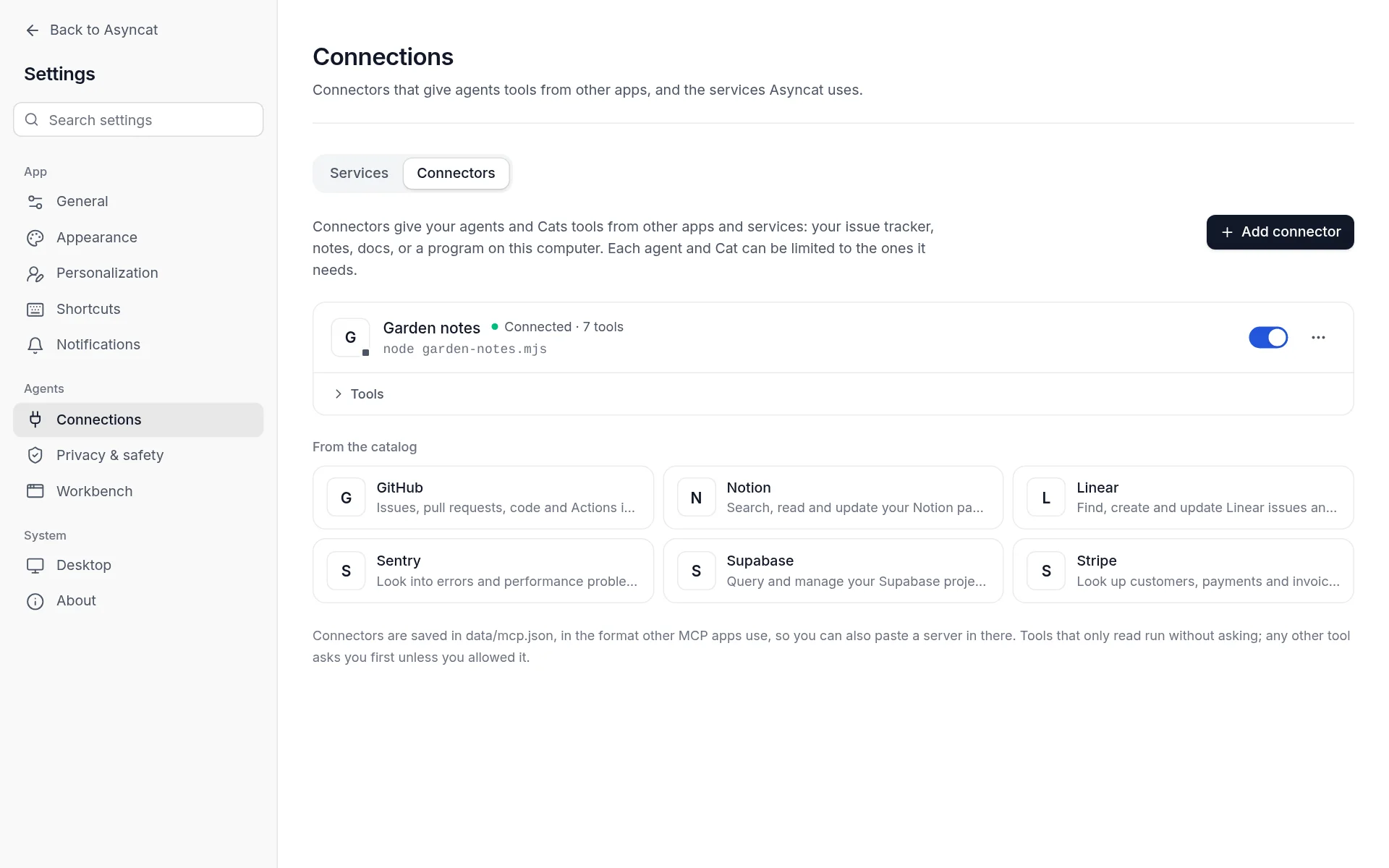
Settings, Connections, with a connected connector and the catalog
Connectors: tools from other apps, from the catalog, a remote server or a program on this computer.
01

Add one in a minute.

Pick from the catalog (GitHub, Notion, Linear, Sentry, Supabase, Stripe and more), add a remote server with OAuth sign-in or a key, or run a program on this computer. Commands that download first show the size and wait for your OK.

02

Reads run. Changes ask.

Tools that only read run without asking. Others ask first, on the same approval card as every other tool. Each connected service keeps its own credentials and terms.

03

Only where it’s needed.

Limit each agent and each Cat to the connectors it needs. Connectors are saved in the format other MCP apps use, so your setup stays portable.

Start with Asyncat.

Download